

Plans built for one agent or an entire AI workforce
How does OpenClaw automation work?

OpenClaw turns your VPS into a system that runs tasks for you. It keeps track of what is happening across your tools and steps in when action is needed.
Once a task starts, your AI agent decides what to do next and completes it using the right tools. It handles both quick actions and longer tasks without constant input from you.
Everything continues in the background, so work moves forward even when you are away. Getting started is simple. Sign up, click Manage, create your agent and start chatting on WhatsApp, Telegram or Slack.
Launch your AI assistant quickly with an easy and guided setup process
Step 1: Choose your plan
Select an OpenClaw VPS plan that fits your needs, or customize your server based on your usage.
Step 2: Set things up
After your server is ready and OpenClaw is set up, click Manage to access the OpenClaw dashboard. From there, add your AI API keys and adjust your settings.
Step 3: Start using OpenClaw
Open the terminal to interact with your assistant or use the Control UI through a secure connection.

Power AI workflows with one-click OpenClaw VPS hosting
Be it building, automating or controlling private AI workflows, OpenClaw lets you do it all.


Spring19 VPS powers secure and scalable OpenClaw VPS hosting
Bring the best out of OpenClaw with performance, control and reliability, all offered at a price that’s hard to beat.
FAQs
? What is OpenClaw Hosting?
With full control over the server, you can manage integrations, configure settings, and keep your automation secure and stable across both development and production environments.
? What does One-Click OpenClaw Access mean?
One-click OpenClaw deployment lets you quickly set up OpenClaw on a Spring19 VPS. It automatically installs everything you need such as containers, dependencies, and settings. With this, you can start building AI agents and workflows right away.
You still have full control of the server, allowing you to customize integrations, prompts, and automation within your own setup.
? Can I scale my VPS as my OpenClaw automation grows more complex?
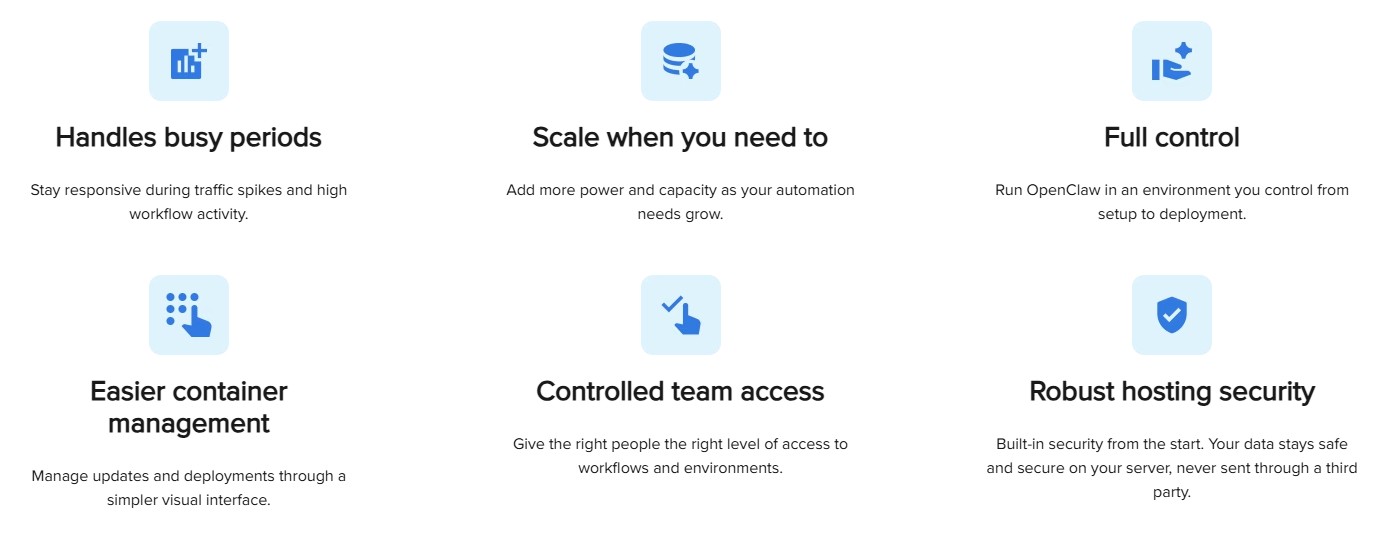
Yes, with a self-managed VPS, you can easily scale CPU, RAM, and storage as your OpenClaw automation becomes more complex. This flexibility ensures that as your workflows grow, you can add resources on demand to handle higher volumes, more to a new environment.
? Do I need Advanced Technical Skills to run OpenClaw on a VPS?
No, you don’t need advanced technical skills. OpenClaw has a visual, event-driven interface that makes it easy to automate without complex coding. If you choose a self-managed VPS, you get full control over settings, which is great for terms with specific needs. But if you’re looking for an easier setup, Spring19 offers 1-click access. Just pick your provider, select your AI model, and your API keys, and you’re ready to go.
? How does OpenClaw manage Workflow across Development and Production Environments?
OpenClaw uses reusable templates and building blocks to keep your workflows organized across development, staging, and production. This reduces complexity and ensures smooth operation, even when workflows involve multiple cloud services or APIs.
? How does Governance work when Automating Critical Systems?
OpenClaw uses role-based access control (RBAC) to let you manage who can create, modify, or deploy automations. With real-time monitoring and audit logs, teams can automate securely and keep risks low.
? How does OpenClaw support High Availability and near Zero Downtime?
OpenClaw uses centralized control and real-time monitoring to keep everything in sync. It also manages updates automatically, ensuring your workflows stay available, reliable, and supported by a stable VPS hosting environment.
? How Secure is OpenClaw for handling Sensitive Data?
OpenClaw keeps your data secure by running on your own self-managed VPS, giving you full control over security. You can customize your setup with firewalls, encryption, and other protective measures. Role-based access control (RBAC) lets you manage who can access and modify workflows. Plus, real-time monitoring and audit logs help you track activity and ensure compliance.
? Can OpenClaw integrate with Third-Party Tools and Services?
Yes, OpenClaw can easily integrate with third-party tools like APIs, databases, CI/CD pipelines, and other internal systems. It offers flexible integration options to streamline your workflows and connect with multiple platforms, so you can automate your processes with the tools you already use.